How to unlock a smart lock with 5dkey (and set up short cuts)
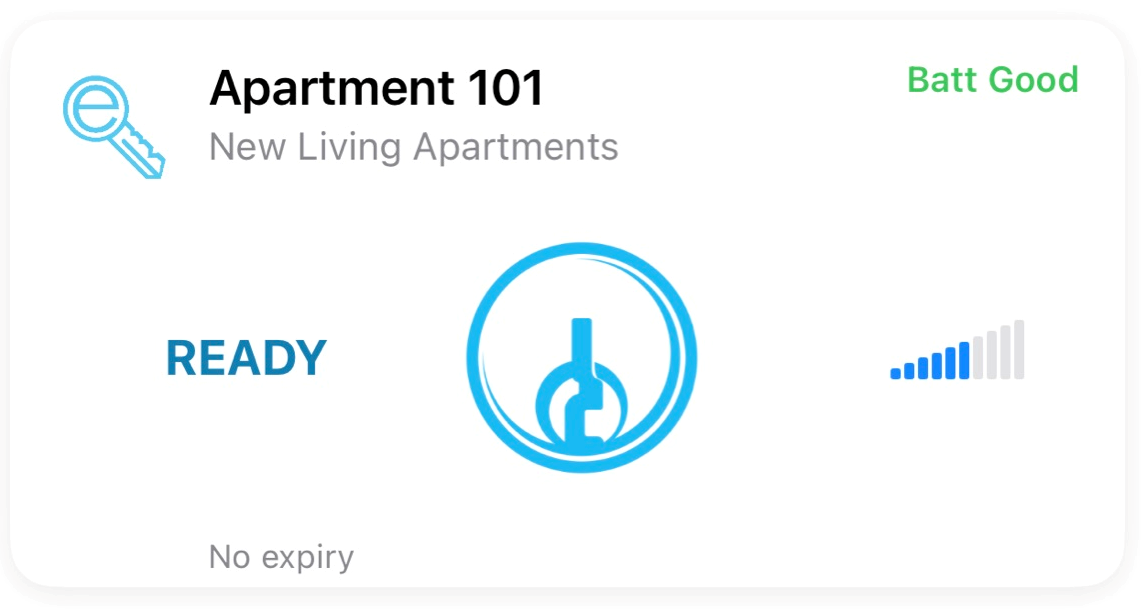
Assigned ekeys will appear in the 'All' view in your app - They will be 'grey' when not in range or if you have Bluetooth disabled. When you are near by the door/gate, the ekey card will light up blue. Then simply tap the round centre button to activate the door.
You can speed up access by creating shortcuts (iOS only atm) and home screen widgets, simply click the short cuts icon on the bottom of the app's home page and follow the instructions.